1
Voltage Gate
PASSDevice output type must match generator output.
120V required -> 120V available
2 of 3 models are compatible with this generator.
Jump to model-specific results ↓Same decision gates as the engine: voltage, running, surge. Runtime is shown as operational context.
Device output type must match generator output.
120V required -> 120V available
Continuous draw with safety buffer applied.
75W to 414W required -> 300W available (225W headroom on lighter models)
Startup peak with safety buffer applied.
75W to 414W required -> 600W available (186W to 525W headroom)
Runtime context only. It does not change the electrical compatibility verdict.
Continuous estimate: 0.5h
Typical cycling estimate (80% duty): 0.6h
Device profile reference: up to 8h per day.
Power bars show required versus available output for each gate.
View full compatibility reportQuick compatibility, required headroom, and model-specific context at a glance.
2 of 3 models are SAFE or TIGHT. Most demanding model: Alienware m18 R2 (360W, 7.4mm Barrel) (360W surge).
| Model | Running | Surge | Verdict | Runtime | Source |
|---|---|---|---|---|---|
| Lenovo ThinkPad X1 Carbon Gen 12 (65W USB-C) | 65W | 65W | Safe | ~2.6h | OEM Verified |
Show expert analysisTechnical: **Running load:** 65 W (adapter rated maximum). **Surge:** 65 W (no inrush spike). **Voltage:** 120 V AC (or USB-C PD at 20V). Typical office workload draws 15-35W — the 65W rating covers peak CPU load plus battery charging simultaneously. Field note: If your power station has USB-C PD output at 65W+, use it instead of the AC inverter to bypass conversion losses and extend runtime by 10-15%. The ThinkPad charges via either Thunderbolt 4 port on the left side. Can I work all day on a 500Wh power station with this laptop? Yes — at 20-40W typical draw, a 500Wh power station (350Wh usable) runs the ThinkPad X1 Carbon for 9-17 hours. Even at the full 65W adapter rating, you get over 5 hours. | |||||
| MacBook Pro 16-inch (140W USB-C) | 140W | 140W | Safe | ~1.2h | OEM Manual |
Show expert analysisTechnical: **Running load:** 140 W (adapter rated maximum). **Surge:** 140 W (no inrush spike). **Voltage:** 120 V AC (or USB-C PD). The 140W adapter supports both MagSafe 3 and USB-C charging. Actual draw during creative work ranges from 40-100W. Field note: The MacBook Pro 16-inch has excellent built-in battery life. During an outage, use the laptop on battery first, then charge from the power station in bursts — this maximizes total usable time from a limited power source. Can I run video editing software on a power station? Yes — Final Cut Pro or DaVinci Resolve typically draws 60-100W from the adapter. A 1000Wh power station provides 7-11 hours of editing. The 140W rating is the ceiling, not sustained draw. | |||||
| Alienware m18 R2 (360W, 7.4mm Barrel) | 360W | 360W | Fail | — | OEM Manual |
Show expert analysisTechnical: **Running load:** 360 W (adapter rated maximum — highest laptop adapter currently available). **Surge:** 360 W (no inrush spike). **Voltage:** 120 V AC required. Uses a proprietary 7.4mm barrel connector — no USB-C charging option. Field note: This is the heaviest laptop load in the comparison — heavier than many desktop PCs. A 500W+ power station handles the wattage, but runtime is the constraint. Note: this laptop charges ONLY via barrel connector, not USB-C. Can I game on the Alienware m18 R2 during a power outage? Yes, if your power station delivers 360W+ continuous at 120V. Expect 280-340W actual draw during gaming. A 2000Wh station provides about 6 hours of play. | |||||
This unit is outside the compatible set; 29 of 33 generators pass SAFE/TIGHT for this device.
29 of 33 generators are SAFE+TIGHT for Laptop.
Fit class uses buffered needs (running and surge) for this device.
Remote Work Session
Select Your Model:
Free Tools
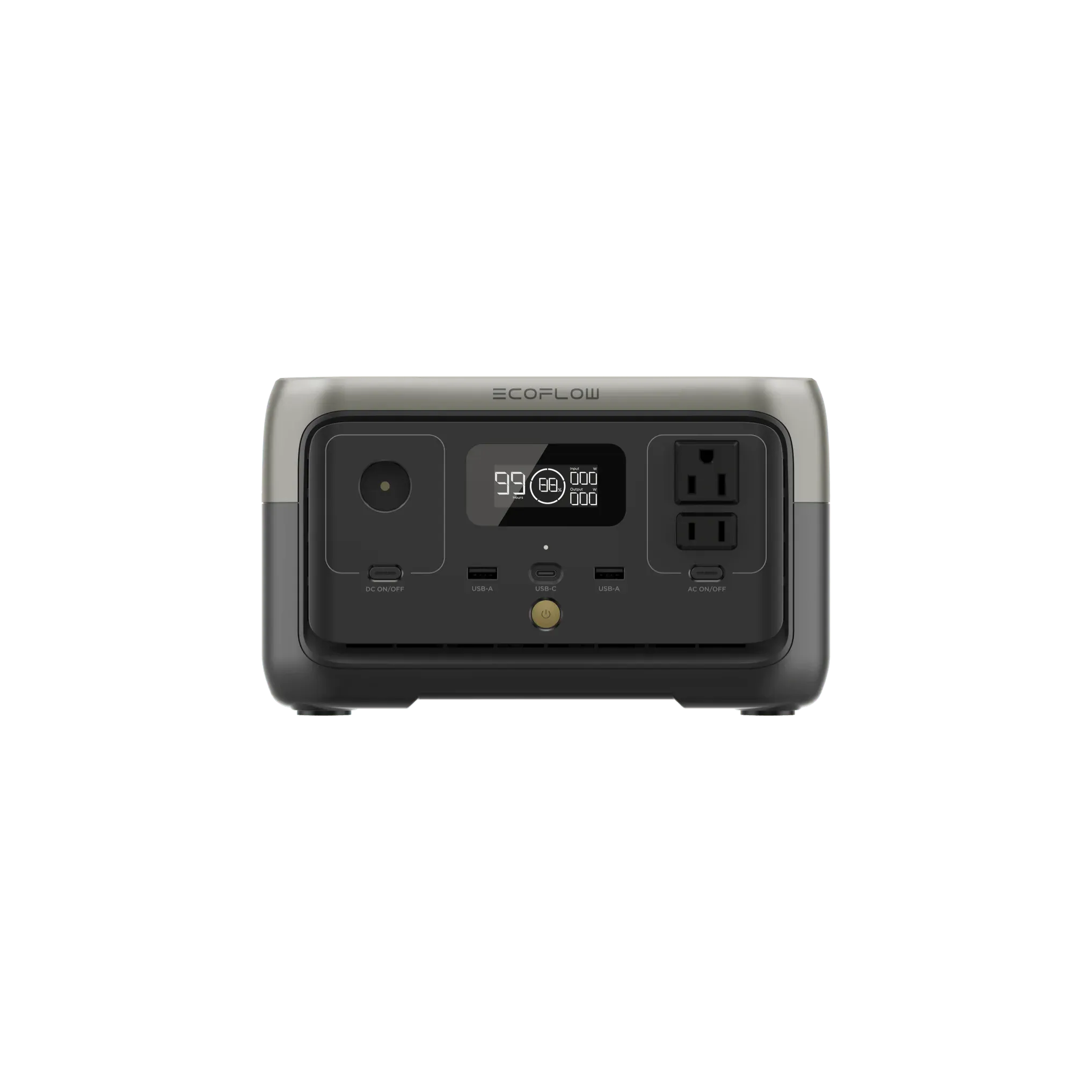
The 600W surge rating can handle typical startup loads from small compressor-driven appliances like mini fridges and air tools. It can support motor-driven devices that require momentary inrush current during ignition. At 245Wh total capacity, expect limited runtime on continuous loads near the 300W ceiling.
LFP chemistry provides stable operation under load cycling. The unit accommodates brief inrush events up to 600W for equipment startup. Source: EcoFlow RIVER 3 User Manual v1.0 (manufacturer documentation).
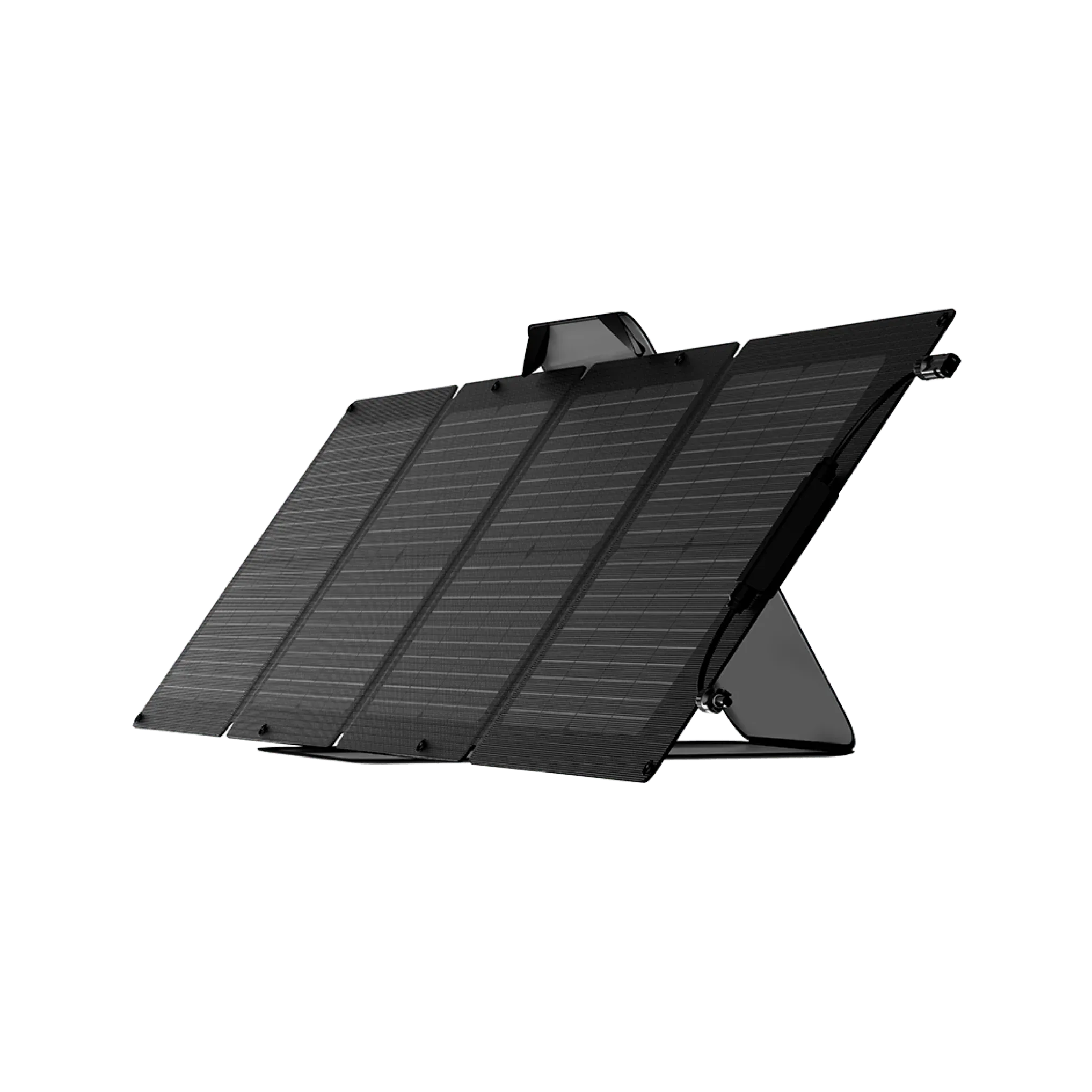
Keep your Laptop running with solar • MPPT: 11– 30V • Max: 110W
 Official
 110W Panel
Adapter required: MC4 -> XT60i.
 Smart Value
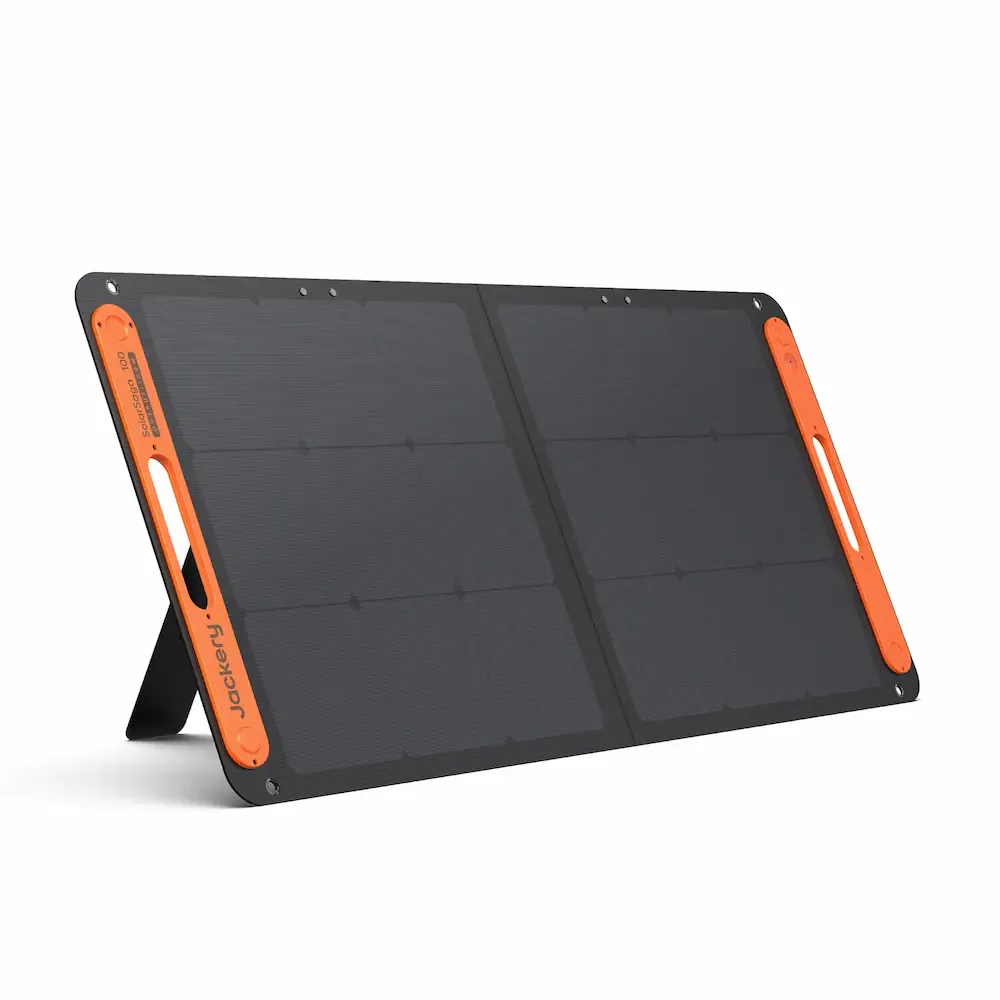
 100W Panel
Adapter required: Jackery proprietary -> XT60i adapter required.
 Smart Value
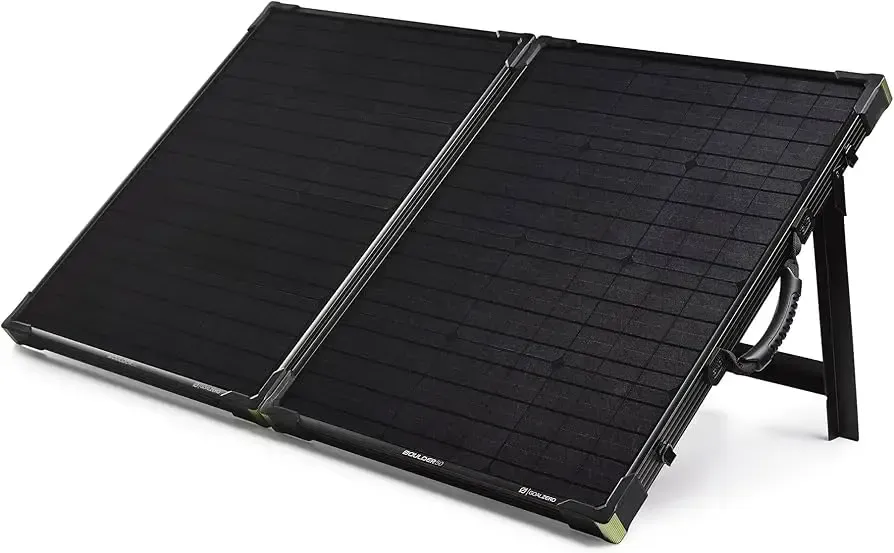
 100W Panel
Adapter required: Goal Zero proprietary -> XT60i adapter required.
It depends on the model. 2 of 3 Laptop models are compatible with the EcoFlow RIVER 3. See the model-specific results table for exact verdicts per model.
It depends on the model. Compatible models run approximately 1.2–2.6 hours on the RIVER 3. 1 of 3 models are not compatible. See the model-specific results for details.
Power Tip: To get the most out of your RIVER 3, keep it in a well-ventilated area. Extreme temperatures can slightly reduce the efficiency of the LFP/NMC cells.
Compare all 33 generators for the Laptop
Ranked by budget, runtime, and overall compatibility.
Derived from variant list (max of variants). Running worst case = Alienware m18 R2 (360W adapter rating). Surge worst case = Alienware m18 R2 (360W). Adapter rating = worst-case ceiling, not typical system draw.
EcoFlow RIVER 3 User Manual (2024-09-11)
Similar-output alternatives you can compare side by side.